

Using the Trash
Move resumes and cover letters to Trash in Hireway, undo it, restore them within 30 days, or delete them for good.
When you remove a resume or cover letter, it goes to Trash instead of disappearing. It stays there for 30 days, so you can bring it back if you change your mind.
Move a document to Trash
On Documents, open the document's ⋯ menu and choose Move to Trash. In the editor, open the document name menu at the top left and choose Move to Trash; you return to Documents.
Hireway doesn't ask you to confirm, because the move can be undone. A message appears at the bottom of the screen. Select Undo to put the document back straight away.

While a resume is in Trash, its public link stops working. Restoring it brings the resume back as it was.
Open the Trash
Once Trash holds something, a Trash item with a count appears at the bottom of the sidebar. Select it to open the Trash page.

You can also open the command bar with ⌘ K (Ctrl K on Windows and Linux) and choose Trash, or go to https://hireway.dev/dashboard/trash.
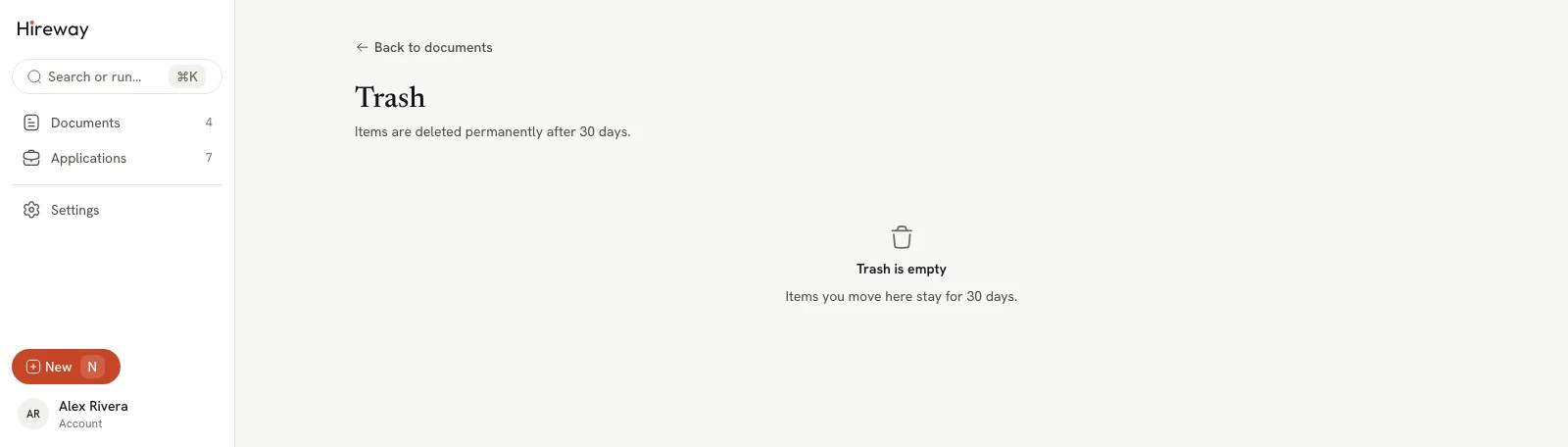
The Trash page lists each document with its Type, linked Application, and how many days are left under Deleted in. When it's empty, it says Trash is empty.
Restore a document
Open the row's menu
On the Trash page, select ⋯ at the end of the document's row.
Choose Restore
Select Restore. The document goes back to Documents with its content, tags and links intact.
Delete a document for good
Documents are deleted permanently 30 days after you moved them to Trash. To delete one sooner:
Choose Delete now…
On the Trash page, open the row's ⋯ menu and choose Delete now….
Confirm
Select Delete now to confirm, or Keep in Trash to change your mind.
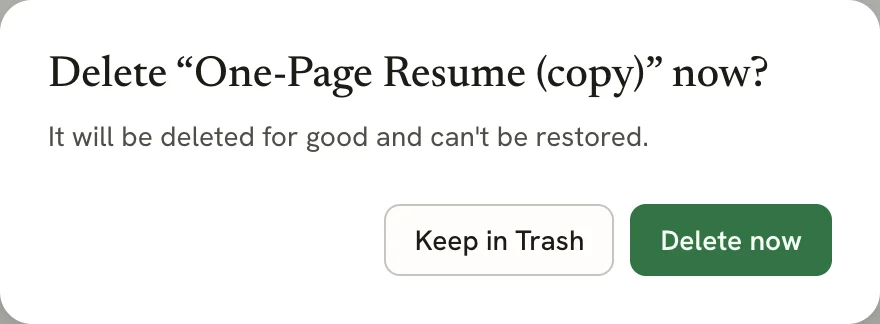
A deleted document can't be restored, and neither can its version history. If you might need it again, download a JSON copy first (see Exporting your resume).
Related guides
- Managing your documents: rename, duplicate and lock documents.
- Exporting your data: keep a copy of everything in your account.
Organizing documents with tags
Add tags to your resumes and cover letters in Hireway, then filter the Documents page by one or more tags to find the right version.
Importing a resume
Turn an existing resume into an editable Hireway document from a PDF, Word file, LinkedIn export, JSON Resume or Hireway JSON file.