

Quickstart
Create a free account, build a resume from the sample, make it yours, try a template and download your first PDF in about ten minutes.
In this tutorial you'll create a Hireway account, open a sample resume, put your own name on it, try a different template and download it as a PDF. It takes about ten minutes, and at the end you'll know your way around the editor.
You only need a web browser. The steps use hireway.dev.
1. Create your account
Open the sign-up page
Go to hireway.dev/auth/register.Fill in your details
Enter your Name, a Username, your Email Address and a Password, then select Sign up. If you'd rather use an existing Google, GitHub or other account, pick it below the form instead.
Continue to your documents
Hireway sends you an email to verify your address. Verifying is optional, but you need it to reset a forgotten password. Select Continue to carry on now and verify later.
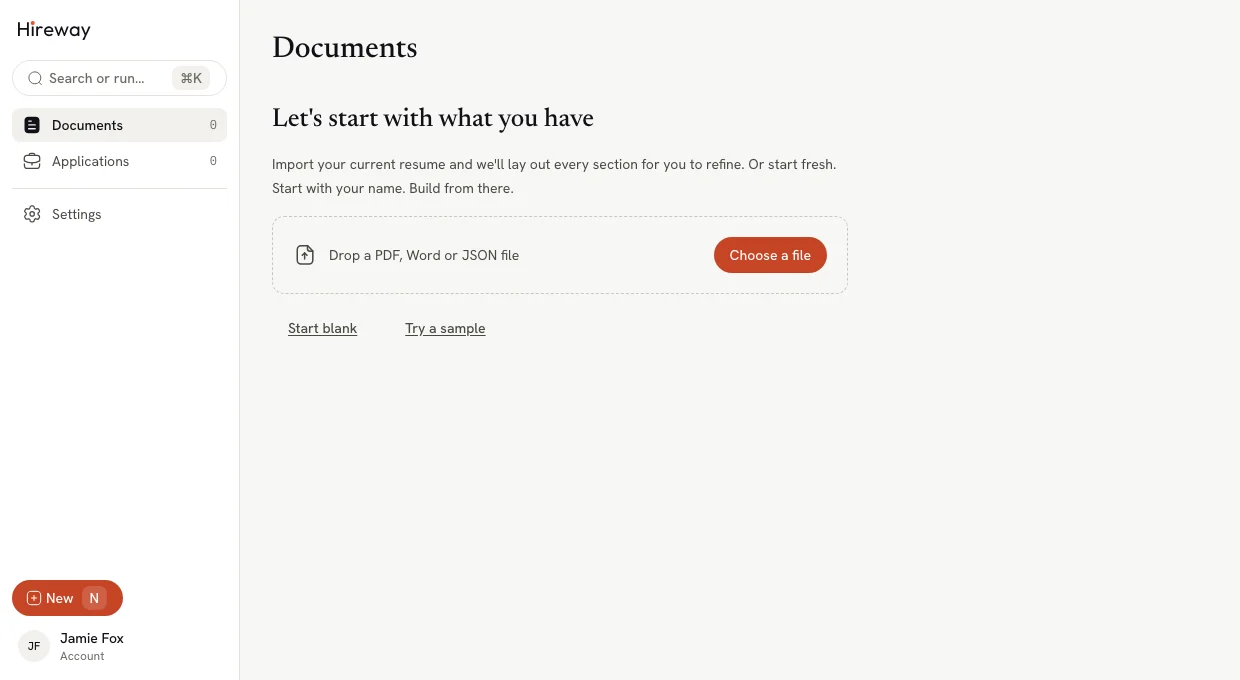
You land on Documents, the home page that holds all your resumes and cover letters. It's empty for now.
2. Open the sample resume
Select Try a sample. Hireway creates a complete resume for a game developer and opens it in the editor.
Starting from the sample lets you see what a finished resume looks like before you replace its content with yours. The editor has two halves:
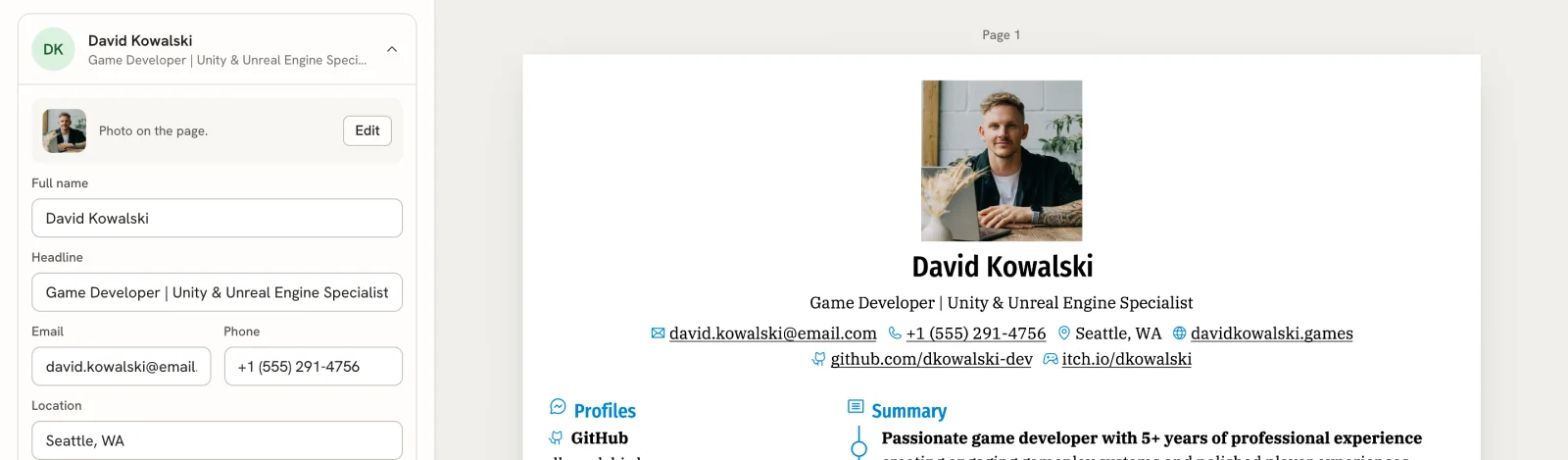
- The panel on the left, where you write. It starts with the Basics card (your name and contact details), followed by your sections, such as Summary, Education and Experience.
- The page on the right, which shows exactly what your PDF will look like. It updates as you type.
The sample's document name and the name on the resume are a random three-word phrase, such as "Slippery Blush Marlin". You'll fix both next.
3. Name your document
The document name is only for you; it's how you find the resume in Documents.
Open the document menu
Select the document name at the top left of the editor.Rename it
Select Rename…, type a name such as "Game Developer Resume" in Name, then select Save Changes.
4. Put your name on the page
Edit the Basics card
In the Basics card, replace the text in Full name with your own name.
Watch the page
The name at the top of the page changes as you type. Try changing Headline to the job title you want too.
You don't need to save. Under the document name, the status changes to Saving… and then Saved.
Made a mistake? Press ⌘ Z (Ctrl Z on Windows and Linux) to undo it.
5. Try another template
Switch to Design
Select Design at the top of the editor, or press 2.
Pick a template
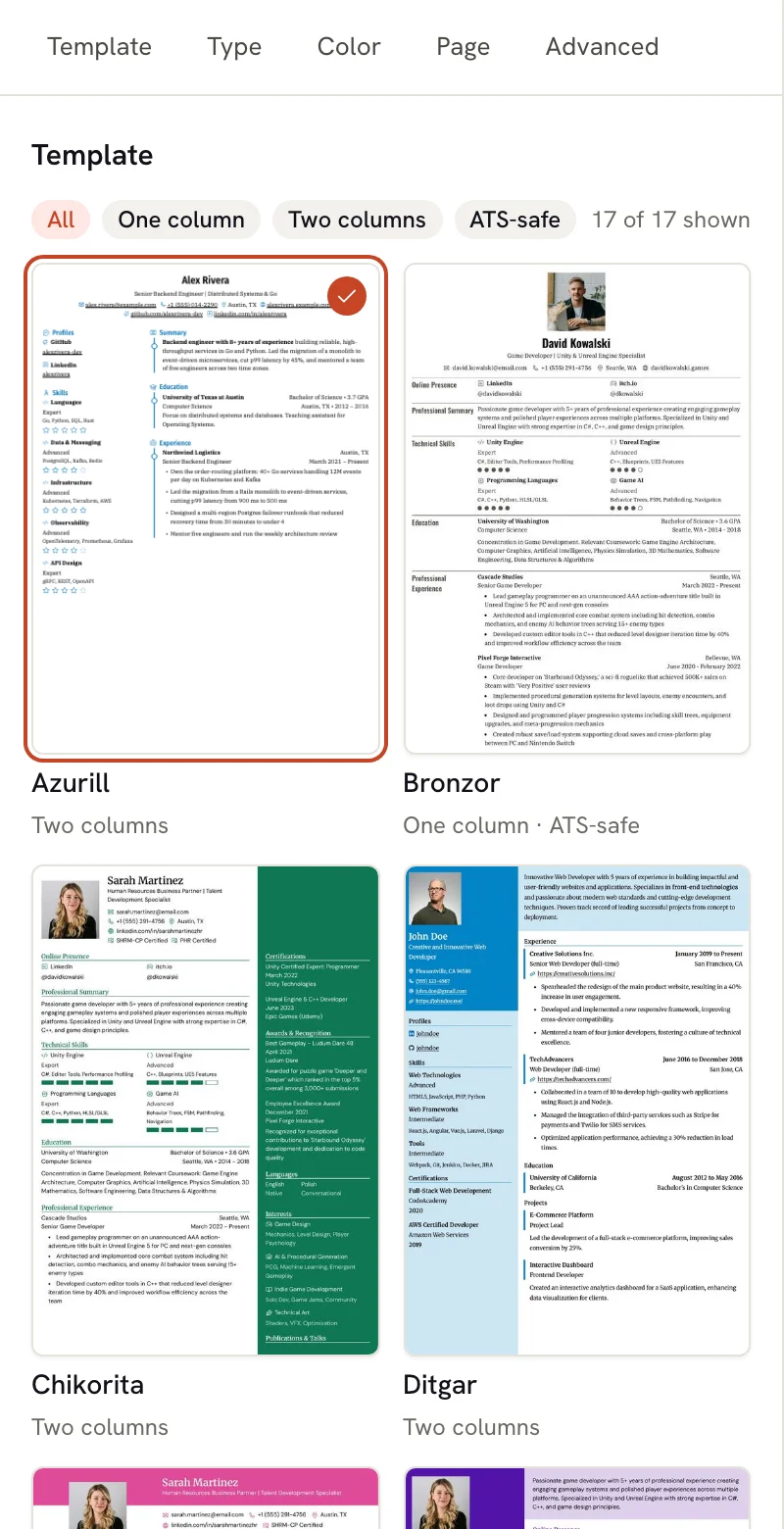
Template, at the top of Design, shows all 17 templates filled with your own content. Select one, such as Bronzor, and the page switches to it. Your content stays the same; only the look changes.
Go back to writing
Select Write, or press 1, to return to your content.
6. Download your PDF
Select Download PDF
Select Download PDF at the top right of the editor. Your browser saves the file, named after the name on your
resume (for example, David-Kowalski-Resume.pdf).
Open the file
Open the PDF. It matches the page you saw in the editor.
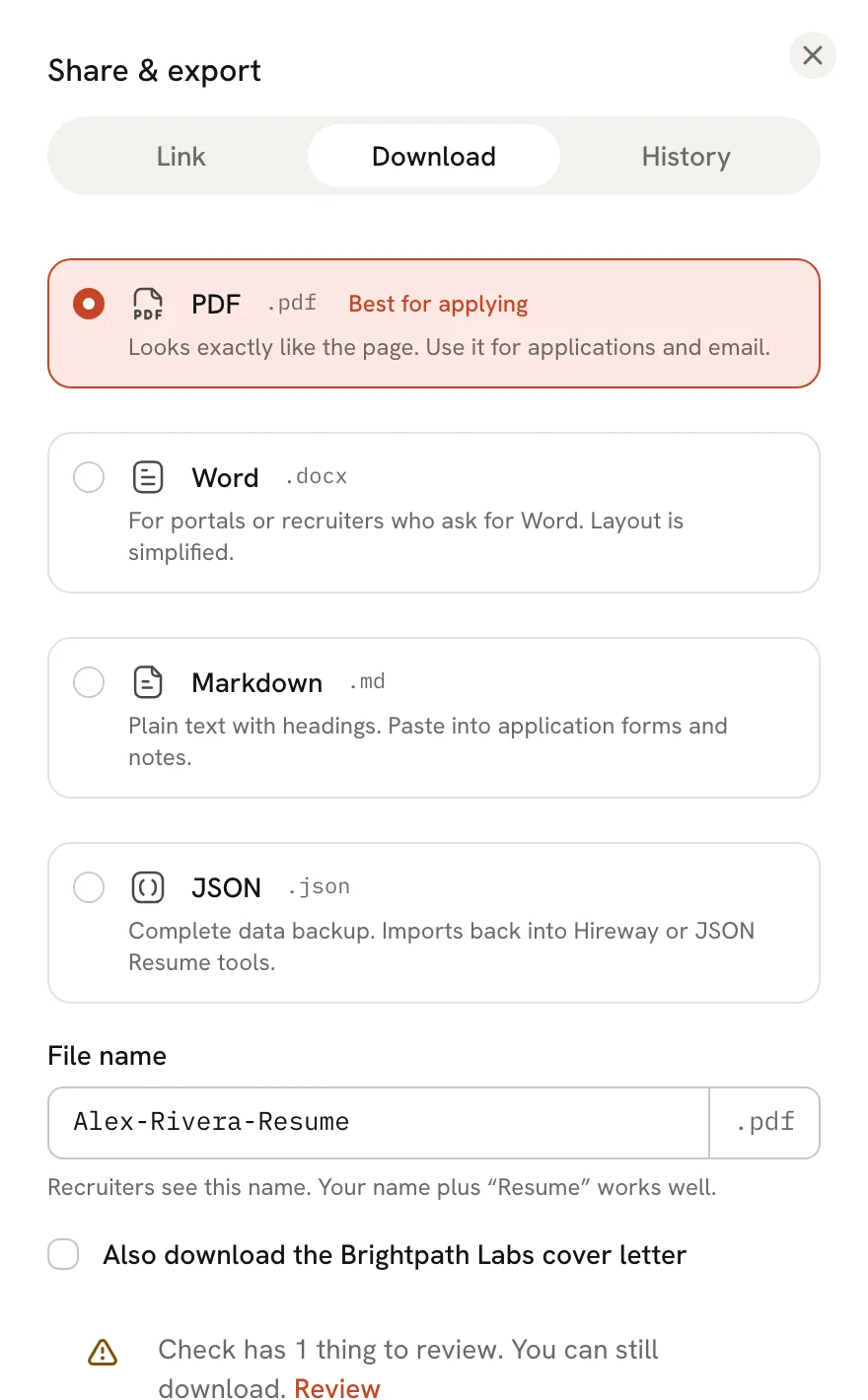
To download a different format, select the arrow next to Download PDF. The Share & export panel opens on its Download tab, where you can choose PDF, Word, Markdown or JSON and change the file name.
What you've done
You created an account, built a resume from the sample, made it yours, tried a template and downloaded a PDF. From here, replace the rest of the sample with your own experience, or start a fresh resume from New in the sidebar (press N).
Next steps
Create your first resume
Start from scratch, or import the resume you already have.
Get to know the editor
Learn the editor bar, the three modes and the page view.
Check your resume
Fix the issues Check finds and compare your resume with a job posting.
Share your resume
Publish a link that recruiters can open in their browser.
Introduction
Hireway is a job-search agent for engineers moving abroad, with a resume and cover-letter builder and an application tracker built in.
How the Scout works
The Scout reads job boards and career pages every morning, keeps roles that sponsor visas and fit your rules, and drafts applications you approve.